For many Nigerian households, energy management means walking around the house switching things off before the inverter alarm goes. It works, but only when someone remembers, and only when someone is home.
Smart home energy management replaces that routine with information and automation. Instead of guessing what is draining your battery or prepaid units, you can see it. Instead of relying on memory, you can set rules that run on their own. This article explains the main building blocks, what they actually do, and how to start without overspending.
What Is Smart Home Energy Management?
Smart home energy management is the combination of three things:
- Measurement: knowing how much power your home, circuits or individual appliances use.
- Control: being able to switch loads on and off remotely or automatically.
- Rules: simple logic that decides when loads should run, based on time, battery level, grid availability or occupancy.
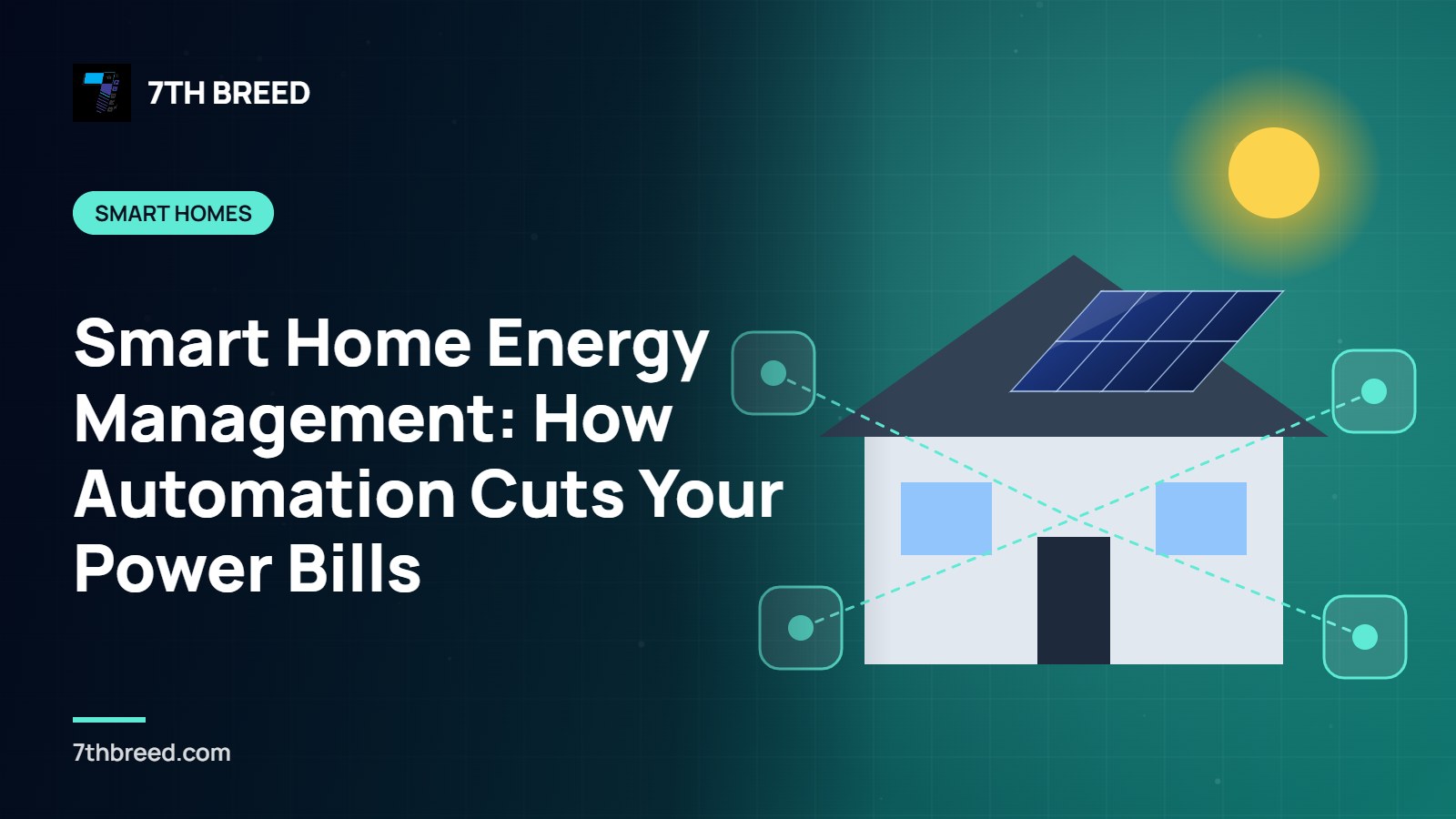
On their own, each part helps a little. Together, they let a home behave intelligently: running the water pump when solar output is strongest, shedding non-essential loads when the battery falls low, and turning off forgotten appliances after everyone leaves.
The Building Blocks
Energy monitors
An energy monitor clamps onto the main cable or individual circuits and reports consumption in real time, usually to a phone app. Many hybrid inverters already include monitoring that shows solar production, battery state and load.
The value is visibility. Households are often surprised to find that an old freezer, a water dispenser or a decoder left on standby is quietly consuming a meaningful share of their daily energy.
Smart plugs and smart switches
Smart plugs sit between an appliance and the socket; smart switches replace wall switches for lights or fixed loads. Both let you control devices from an app, set schedules and, on many models, see each device's consumption.
For heavier loads such as water heaters, pumps or air conditioners, use devices rated for the current involved, or have a qualified electrician install a properly rated smart relay or contactor. A cheap plug on a heavy load is a fire risk.
Sensors
Motion, door and occupancy sensors allow lighting and air conditioning to respond to whether a room is in use. Temperature sensors can keep air conditioners from overcooling empty rooms.
A hub or app that ties it together
Some systems work through a single app; others use a hub that coordinates devices from different brands. What matters is that your rules can see the information they need, such as time of day, sensor states and, ideally, battery level from the inverter.
Automation Rules That Save Energy
Here are practical rules many homes can use:
- Run heavy loads in the solar window. Schedule the borehole pump, washing machine or water heater for late morning to mid-afternoon, when panels produce most.
- Shed non-essential loads at low battery. When the battery falls below a set level, switch off the water dispenser, extra freezer or outdoor lights automatically.
- Turn off standby loads overnight. TVs, decoders, sound systems and chargers can be cut by schedule.
- Lights follow occupancy. Corridor, toilet and store lights switch off when no motion is detected.
- Away mode. One tap, or leaving home with your phone, switches off everything except essentials like the fridge and security devices.
Automation works best with efficient equipment. There is little point scheduling old incandescent bulbs when, according to ENERGY STAR, LED lighting produces light up to 90% more efficiently. And with Band A grid electricity at ₦209.50 per kWh for most DisCos, according to BillsGuide.ng, every hour of a forgotten appliance has a visible cost.
How Automation Protects a Solar System
Automation is especially useful in solar homes. Batteries last longer when they are not repeatedly drained to their limits, and inverters are less likely to trip when heavy loads do not all start together.
A good setup can:
- Stagger high-surge appliances so they do not start at the same moment.
- Keep reserve capacity in the battery for night-time essentials.
- Shift flexible loads to daytime so more of your energy comes straight from the panels.
If you are planning a new system, it helps to know your loads first. Our step-by-step guide to sizing a solar system explains how consumption, inverter size and battery capacity fit together.
Starting Small: A Sensible Path
You do not need to automate the whole house at once. A practical sequence:
- Measure first. Use your inverter's app or add an energy monitor for two weeks to understand your real usage.
- Target the biggest wasters. Add smart control to the two or three loads that waste the most energy.
- Add rules gradually. Start with schedules, then add battery-level and occupancy rules.
- Review monthly. Check what changed and adjust.
Reliability and Security Considerations
Smart devices depend on Wi-Fi and, often, cloud services. Choose equipment that keeps working locally when the internet is down, keep firmware updated, use strong unique passwords for device accounts, and put smart devices on a separate guest or IoT network where your router allows it.
Bring Intelligence to Your Home's Energy
Smart home energy management turns electricity from something you react to into something you control. Combined with solar and good-quality wiring, it helps your system deliver more of what you paid for. 7th Breed designs home automation and solar systems that work together. Talk to our team or request a free quote.
Sources
- ENERGY STAR, Learn about LED lighting, on lighting efficiency.
- BillsGuide.ng, Electricity tariff per kWh in Nigeria, on current grid tariffs.